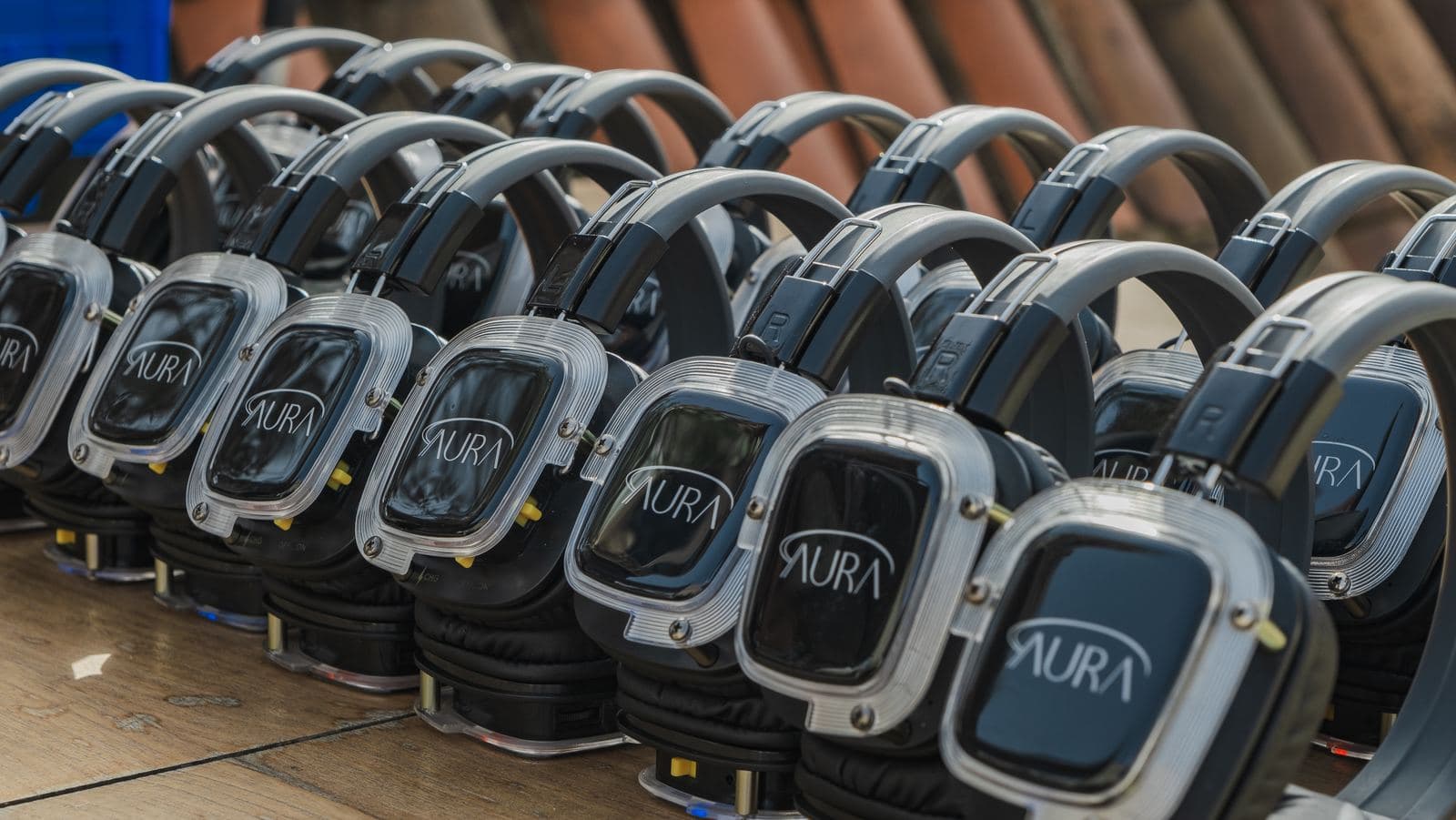
Here is how to set up silent disco headphones: switch on the transmitter first, then the headphones, set every headphone to the same channel as the transmitter and press play on your music. That is the whole idea, and once the kit is unpacked it takes about 15 minutes from box to dancefloor.
Below is every step, model by model, plus the fixes for what can go wrong. Prefer to click through it? Our interactive setup guide shows the exact steps for your kit. New to the format? Start with what a silent disco is.
What do you need before you start?
You need headphones, one transmitter per channel, an audio source and a cable to connect it. Lay the kit out on a table and tick it off before you plug anything in:
- Headphones, one per guest, plus the spares we include
- Transmitter, one for each channel you plan to run
- Charging cases
- USB-C charging cables
- Your audio source: laptop, phone or DJ setup
- An AUX (3.5 mm) or RCA cable to connect the source
- Microphone and receiver, only if you want a live voice
Renting from AURA? Everything arrives cleaned, charged, boxed and labelled. For the rest of what an event needs, see our silent disco equipment checklist.
How to set up silent disco headphones: what order, and how long?
Transmitter first, then headphones, then music, so each headphone finds a live signal the moment it is switched on. A relaxed 15 minutes looks like this:
- Minutes 0 to 3: unpack, count headsets and spares, find the transmitters and cables.
- Minutes 3 to 6: place the transmitter high and clear, power it on and connect your source.
- Minutes 6 to 12: switch on the headsets in batches and set each one to the right channel.
- Minutes 12 to 15: play a track, test a few headsets around the room, set the source volume and switch on the mic if you use one.
Then sort the headsets by channel at the handout desk. Our tips on running the handout and return cover the rest.
How do you connect your music to the transmitter?
Use an AUX or RCA cable for the steadiest signal, or Bluetooth from a phone or laptop if your transmitter supports it. For a DJ or a long night, a cable is the safer choice.
- AUX (3.5 mm): the simple option for a laptop or phone.
- RCA (the red and white plugs): the standard for a mixer or DJ controller.
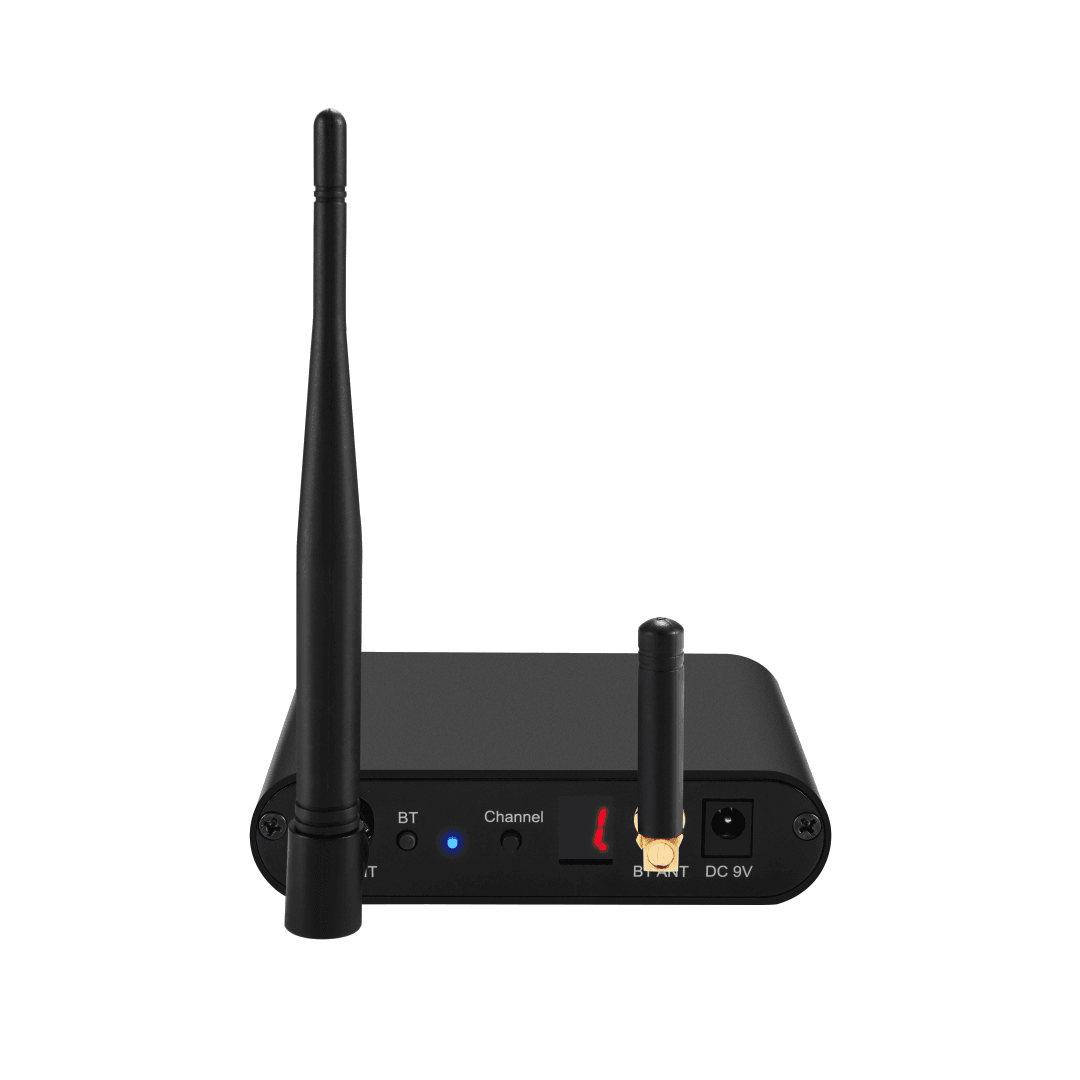
- Bluetooth: handy for a phone playlist. Each transmitter has its own Bluetooth name, listed below.
Whatever the source, keep its volume at around 50 to 70 percent. Pushing it to maximum is the usual cause of distortion.
How do you set up each AURA model?
The steps differ a little between the AH23 and NAH25 families. The model name is printed on each unit.
AH23 headphones
Slide the power switch to turn them on, then use the channel switch until the light matches your transmitter's channel. Each guest sets their own volume. A full charge takes about three hours.
AT23 transmitter (wired)
Plug it in, then set the OFF / LOW / HIGH switch to LOW or HIGH. The display shows the active channel. Connect RCA from a mixer or DJ controller, or AUX from a laptop or phone. Use HIGH for larger events, and LOW if a nearby transmitter interferes.
AWT23 transmitter (wireless)
Switch it on with the switch on the side. For Bluetooth, hold the Bluetooth button until it blinks red and blue, then connect your phone or laptop to TX-60RF. Prefer a cable? Plug in AUX and it switches to AUX automatically. Using a microphone? Turn on the button on top of the transmitter to enable it.
NAH25 headphones
Press the power button to turn them on and use the channel switch to pick the channel. Hold the power button for two to three seconds to check the battery: four bars means full. They charge over USB-C, and a full charge takes about two hours.
NAT25 transmitter (wired)
Flick the power switch on. It runs plugged in or on its internal battery. Connect RCA or AUX from your device, or hold the Bluetooth button until it blinks and connect your phone or laptop to T80. It also has a microphone input and an RCA output.
NAWT25 transmitter (wireless)
Hold the power button for three seconds. For Bluetooth, hold MENU for 2.5 seconds, choose BT Mode, select On, then search for HT003 on your phone and pair. In the screen menu you can also set Audio Mode (HIFI or SD), RF Power (High or Low) and ENC noise cancellation; press MENU to save. For a microphone, turn on the button on top.
How do channels work when you run more than one?
Give every transmitter its own channel, and guests move between them with the button on the ear cup. A colour coded light on each headset shows the channel.
With up to three channels you can run three DJs, two rooms, a quiet channel or one language per channel. Ideas for each setup are in silent disco channels explained.
How do you add a microphone?
Connect the wireless microphone receiver to the transmitter's mic input and the voice reaches every headset on that channel, on top of the music. On the AWT23 and NAWT25, switch on the mic button on top of the transmitter.
Set the mic volume so the voice sits clearly above the music, then test it on a headset. This is how yoga teachers, guides and hosts reach every ear without shouting.
Where should the transmitter go?
At least one to two metres high, somewhere open and unobstructed. A DJ table or a shelf above the crowd works well; the floor or a closed cupboard does not.
In open areas the signal typically reaches 300 to 500 metres. Walls, pillars and crowds shorten that, so test the far corners before doors open. More in our guide to battery life and range.
What if something does not work?
Nearly every problem comes down to a volume, a cable or a channel. Work through these before anything else:
- No sound: turn up the headset volume, check every cable and make sure your device is actually playing audio. On the AWT23, confirm the button on top is switched on.
- Distortion: lower the volume on your source device to around 50 to 70 percent.
- Interference or two sounds at once: make sure every transmitter is on a different channel. On the AT23, switching to LOW helps when another transmitter is close by.
- Bluetooth will not pair: check the transmitter is in pairing mode (on the AWT23 the light blinks red and blue) and choose the right name: TX-60RF, T80 or HT003. If a paired AWT23 starts interfering, switch it off and on again and retry.
- AUX not working: reseat the cable firmly at both ends.
Renting with AURA? We are on WhatsApp on the day, and an on site technician is available if you would rather not touch a cable.
Frequently asked questions
How long does it take to set up silent disco headphones?
About 15 minutes once the kit is unpacked: transmitter on, source connected, headsets set to the right channel and a quick sound check.
Do silent disco headphones need WiFi or an app?
No. The headsets receive a radio frequency signal from the transmitter, so there is no app, no pairing of individual headsets and no need for venue internet.
Can I play music from my phone?
Yes. Connect it with an AUX cable, or over Bluetooth if your transmitter supports it: the AWT23, NAT25 and NAWT25 all do.