Here is how live translation headphones work: every attendee hears a talk in their own language, in real time, through a wireless headset. The speaker is translated by interpreters or by AI, each language goes out on its own channel, and each person picks their language with a button on the ear cup.
We deliver this with a specialist translation partner, while our headsets and transmitters carry the audio around the room. This guide walks through how a multilingual event comes together, from choosing languages to the moment a delegate switches channel. The service itself is on our live translation headphones page.
How do live translation headphones work, from speaker to ear?
The translated audio goes into a transmitter, and every headset tuned to that channel hears it.
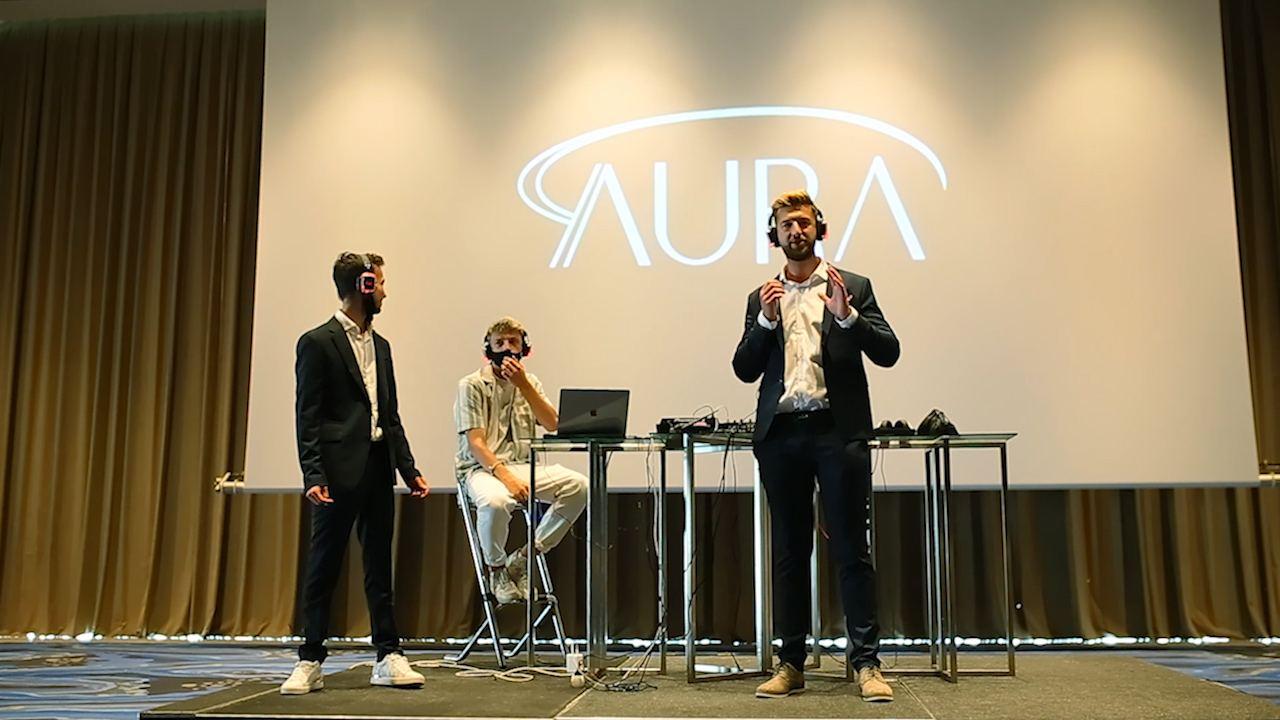
- The speaker talks into a microphone, as at any conference.
- That audio reaches the interpreters, or the AI translation service run by our partner.
- Each translated language comes back as its own audio feed and goes into its own transmitter.
- Attendees set their headset to the channel for their language and adjust the volume to suit them.
The headsets work on radio frequency rather than Bluetooth or WiFi. Attendees install nothing, pair nothing and never touch their phone; they simply put the headset on and listen. One transmitter feeds any number of headsets, so a room of 40 and a hall of 400 follow the same logic.
Interpreters or AI: which should you choose?
Both work, and the right choice depends on the content, the tone of the event and how many languages you need.
Human interpreters bring judgement: they read the room, handle humour and adapt to a speaker who goes off script. AI translation is quick to plan for and makes it easier to offer several languages without arranging an interpreter for each one. Because every channel is independent, you can also mix the two.
- Interpreters: worth considering for sensitive subjects, negotiations, ceremonies and speakers who rely on nuance.
- AI: worth considering for informative talks, training, product presentations and programmes with many short sessions.
- A mix: one language with an interpreter and another with AI, each on its own channel.
If you are unsure, send us the programme and we will talk it through with our partner before we quote.
How many languages can run at the same time?
Up to three channels run at once, so a typical setup is the floor language plus two translations.
Picture a conference in Barcelona with Spanish on stage, English on channel two and French on channel three. Or a company kickoff with an English speaker and Spanish and German on the other channels. Some organisers give headsets only to the people who need translation and keep the room sound for everyone else; others put the whole audience on headphones so the floor language is clearer too.
For more on how channels behave and how people move between them, read silent disco channels explained.
How do attendees switch to their language?
They press the channel button on the ear cup until the colour coded light shows the channel for their language.
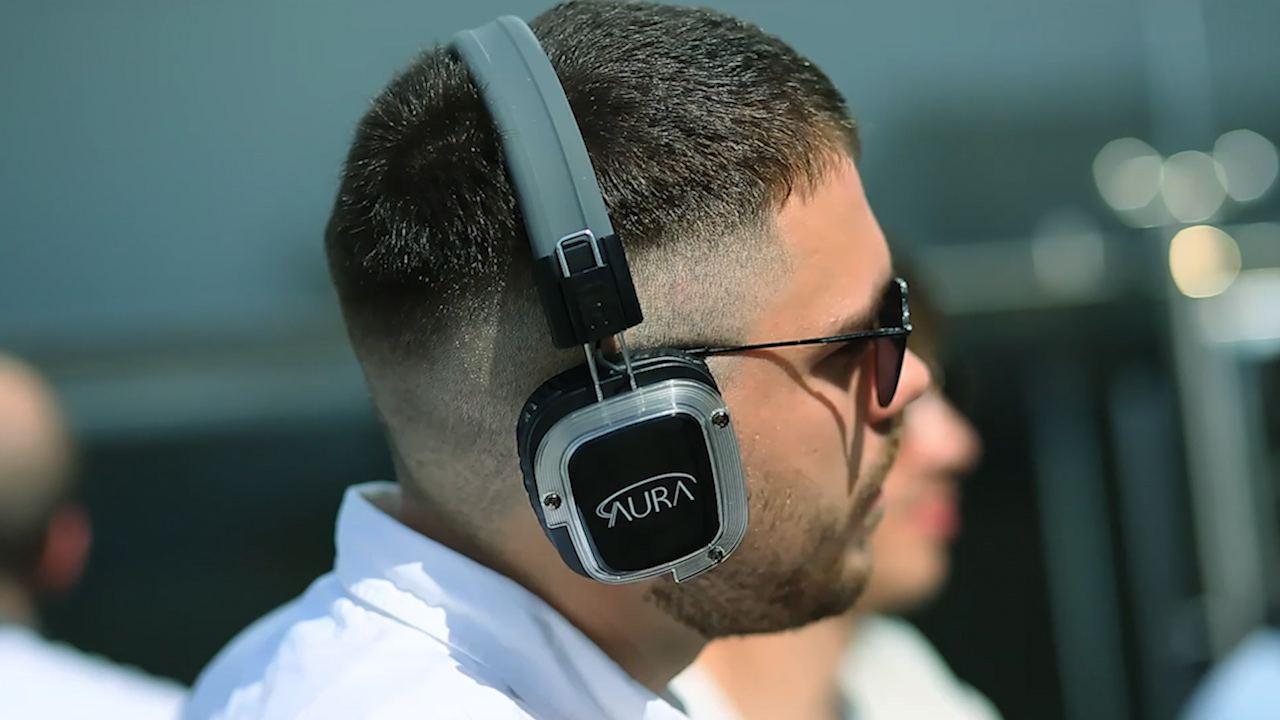
The technology is simple; what matters is making the link between language and channel impossible to miss.
- Print each language and its channel on the badge, the programme and the signs at the door.
- Ask people for their language at registration, and have the handout desk set each headset to the right channel before giving it out.
- Have the host explain the channels in every language at the start of the first session.
- Keep a few headsets at the desk for latecomers and for people who change their mind.
How do you plan a multilingual event step by step?
Work backwards from your audience: who speaks what, and who needs to understand whom.
- Collect languages at registration, so you know how many people need each one.
- Share the programme with us, including speaker names and any specialist vocabulary, so the setup can be planned around them.
- Decide on interpreters, AI or a mix for each language.
- Agree where the transmitters, microphones and translation setup will sit in the room.
- Size the headsets: one for each person who will listen, with spares included at no extra cost.
- Run a test with a real speaker before the doors open.
- Plan collection at the exit at the end of each day.
Each headset runs for about eight hours on a charge, enough for a full day of sessions. We reply to quote requests within 24 hours, and each quote is tailored to your event, including the translation service and the languages you choose.
Where does live translation make the biggest difference?
Anywhere the audience and the speakers do not share one language.
- International congresses, especially those running breakouts in one hall, as described in our conference headphones guide.
- Company meetings for teams spread across several countries.
- Product presentations to international press, partners or distributors.
- Demos and talks on exhibition stands, covered in our article on headphones for trade fair stands.
- Training days where every participant needs to follow the detail, not just the gist.
If headsets at events are new to you, start with what a silent disco is. The same kit that carries music to a dancefloor carries a translated talk to a delegate.
Frequently asked questions
Do attendees need a phone or an app for live translation?
No. The headsets receive the audio by radio frequency, so there is nothing to download and nothing to pair. Attendees put on the headset, choose their language channel and adjust the volume.
Which languages can you translate at an event?
We cover the main languages events usually need. Send us your programme and the languages you want, and we confirm the setup and the channels when we quote.
Can we mix human interpreters and AI translation?
Yes. Each language runs on its own channel, so one channel can carry an interpreter and another AI translation from our specialist partner.
How many languages can run at once on the headphones?
Up to three channels run at the same time, for example the floor language plus two translated languages, each selectable on the attendee's own headset.