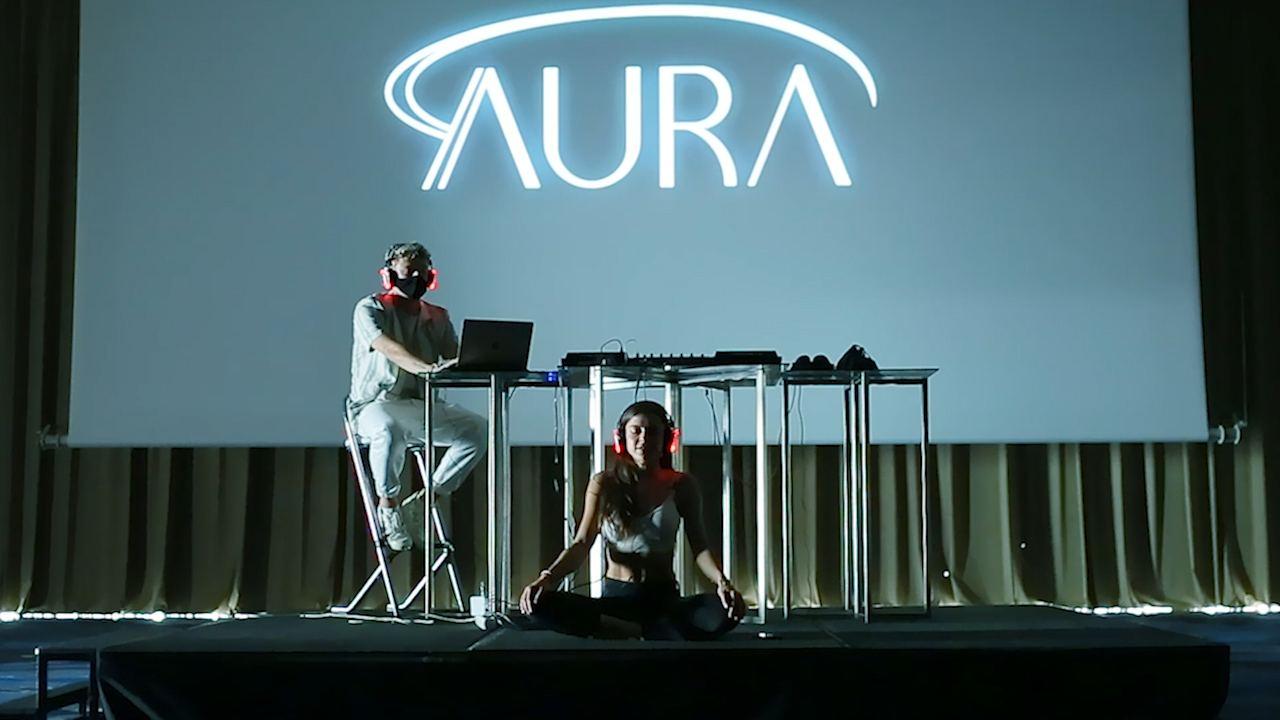
Here is how to use headphones on a trade fair stand: visitors put on a wireless headset and hear your demo, video or presentation clearly, even on the loudest exhibition floor. The audio travels from a small transmitter straight into each headset, so your pitch lands word for word and your stand adds no extra noise to the hall.
We supply headsets for stands, booth activations and presentation areas at fairs across Spain, and by courier to other European countries. Below you will find the formats that work, how to set up on build day and how many headsets to plan for. The service details are on our trade fair headphones page.
Why do headphones work so well on a fair floor?
Because they beat noise by bringing sound closer, not by making it louder.
Every stand competes with music, announcements, the neighbour's video wall and hundreds of conversations. Turning up a speaker only adds to the wall of sound and makes you unpopular with the stands around you. A headset puts the voice right at the visitor's ear, at a volume each person controls, and leaves the aisle exactly as it was.
- Visitors hear the full detail of the demo, not fragments shouted over the hall.
- Neighbouring stands stay friendly, because you are not adding to the noise.
- A group of 5 or 50 can follow the same presentation at the same moment.
- People wearing lit headsets are noticeable from the aisle, which tends to make passers by curious.
Always check the fair's own rules for audio on stands; every organiser sets its own.
Which booth formats work with headphones?
Four formats come up again and again: scheduled demos, a looping video, a guided stand tour and talks on a stand stage.
Scheduled product demos
A presenter with a wireless microphone runs a short demo every half hour. Visitors gather, take a headset and hear every word over the hall, then hand it back and move on. Announce the times on a board at the front of the stand.
A looping video
A laptop or media player sends your product film into a transmitter on a loop. Headsets hang next to the screen, and anyone who stops can listen from the start of the next loop.
A guided tour of the stand
For large stands with machines, vehicles or several product zones, a guide walks the group around with a microphone. Everyone hears the explanation even when the aisle next to them is packed.

Talks on a stand stage
If your stand has seating or a small stage, put talks on headphones and you can run a full programme of sessions without fighting the hall. The same approach works for the talks area of a fair, as we describe in our conference headphones guide.
How do you set up and use headphones on a trade fair stand?
Setup takes about 15 minutes and fits easily into your build day.
- Decide where the transmitter sits: close to the presenter or the screen, with a clear path to the listening area.
- Connect the source: a wireless microphone, a laptop or a media player, using an AUX or RCA cable.
- Power on the transmitter first, then the headsets, and set them to the transmitter's channel.
- Keep the charged headsets in their cases at the front desk, with a few laid out ready to grab.
- Run a sound check with a colleague listening from the far side of the stand.
With up to three channels you can run a live demo on one, the product video on another and a second language on the third. Each headset has its own volume control and a channel button with a colour coded light, so visitors switch between them in a second.
How many headsets does a trade fair stand need?
Size for your largest group at any one moment, not for total footfall over the day.
A stand that runs demos for groups of up to 20 needs around 20 headsets in use, plus the spares we include at no extra cost. A video point with two screens may need only a handful. Each headset runs for about eight hours on a charge, which covers a full fair day, and on fairs over several days the charging cases go back on charge overnight.
There is no minimum order: request a quote with the fair dates and your expected visitor numbers and we reply with a price tailored to your stand.
Should you rent or buy headsets with your logo?
Rent for a single fair; consider buying if you exhibit several times a year.
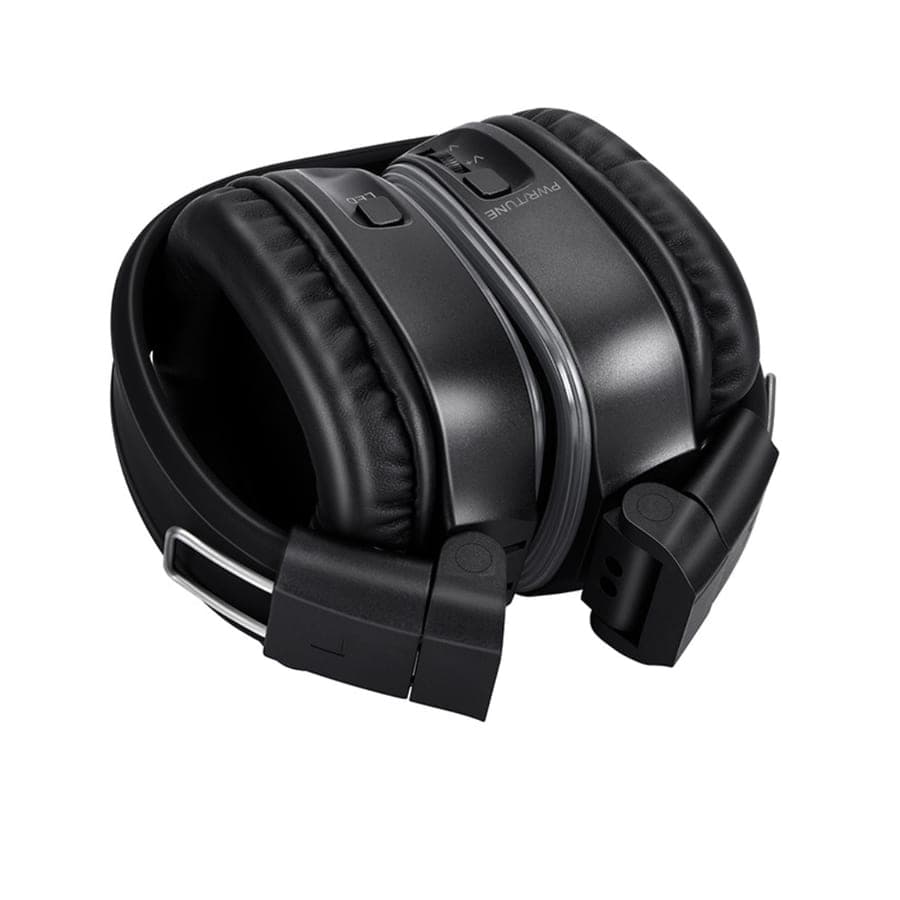
For one show, renting is simplest: the kit arrives cleaned, charged, boxed and labelled, and goes back once the stand comes down. Companies on the fair circuit often prefer their own set, and when you buy NAH25 headsets we can print your logo on them, so the kit becomes part of your stand identity. Buyers get onboarding, a setup guide and WhatsApp support. Our guide to buying silent disco headphones explains when owning makes more sense than renting.
What else can headsets do during a fair?
The same kit can cover the moments around the stand, not just the demos.
- Press briefings on the stand without booking a separate meeting room.
- Sessions for distributors or partners in a corner of the stand, on their own channel.
- An evening for your stand team or clients once the halls close, with ideas in our article on silent disco team building.
- Guided visits through your product range in several languages, one language per channel. Our guide to how live translation headphones work shows how to set that up.
If your colleagues have never used headsets at an event, our explainer on what a silent disco is covers the basics in a few minutes.
What should you check with the fair organiser?
Check build times, power and the rules for stand audio before you lock the plan.
- Build and dismantle times, so delivery and collection fit the fair's schedule.
- Any rules the organiser has on audio and presentations at stands.
- Power on the stand for laptops, screens and charging the headsets between days.
- Lockable storage for the boxes overnight.
Frequently asked questions
Do headphones really work in a loud exhibition hall?
Yes. The headset puts the sound right at the listener's ear, with its own volume control, so a demo stays clear even when the hall is very loud. Your stand adds nothing to the noise around it.
Can a whole group follow a live demo on our stand?
Yes. The presenter speaks into a wireless microphone connected to the transmitter, and everyone with a headset on that channel hears the demo at the same time.
Can we have our logo on the headphones?
Yes, when you buy NAH25 headsets we can print your logo on them. It suits companies that exhibit often and want the kit as part of their stand identity.
Can you deliver headphones to a trade fair outside Barcelona?
Yes. We arrange delivery and collection per event across Spain, and the kit also ships by courier to other European countries.
Tell us the fair, the dates and your stand plan, and we will reply within 24 hours with a quote.