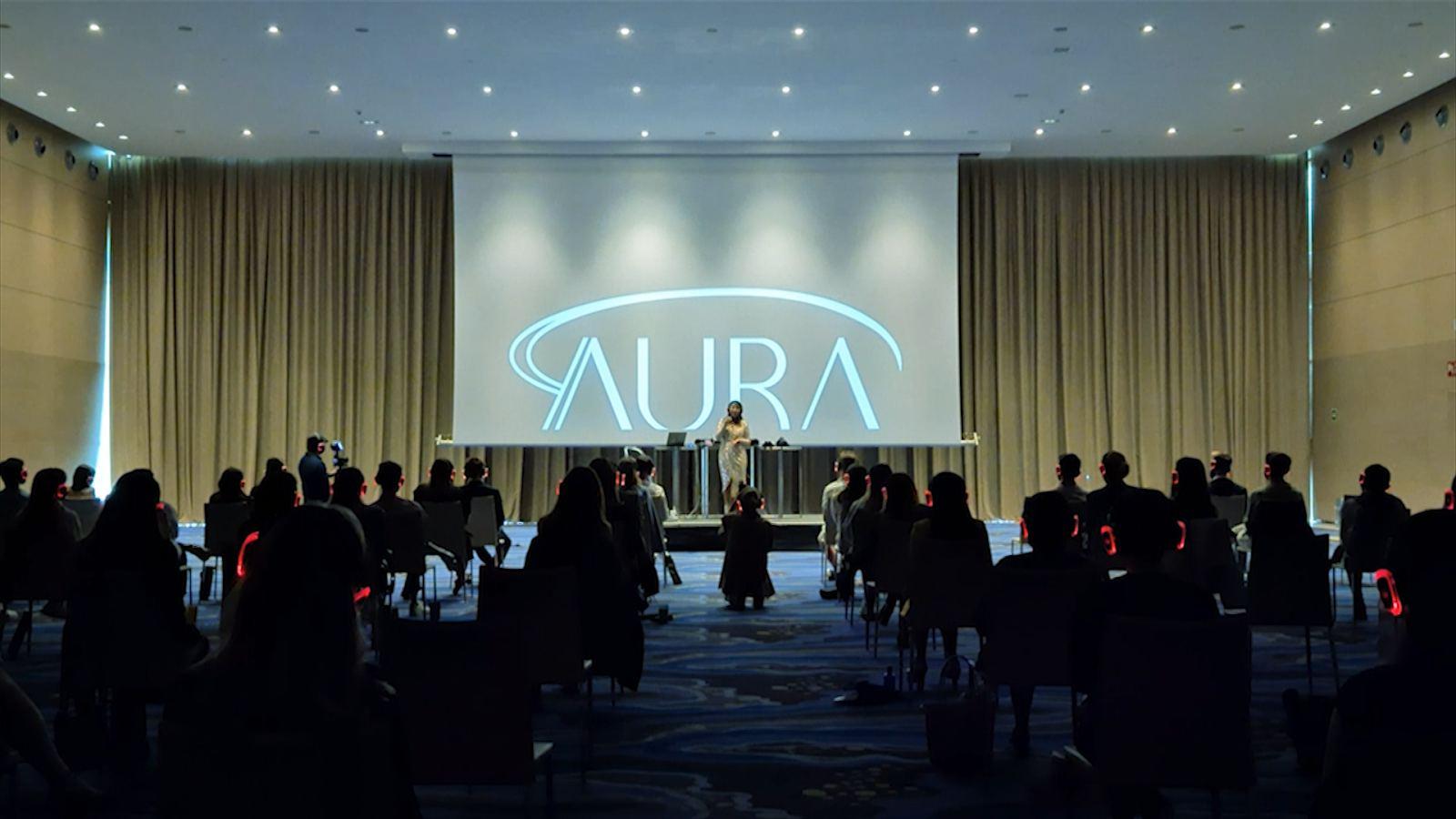
Headphones for conference breakout sessions are wireless headsets that carry each talk straight into the delegate's ears, so several sessions can run side by side in one open hall without drowning each other out. With up to three channels at once, a single space can hold two breakouts and a panel, and every seat hears the speaker as clearly as the front row.
Since 2021 we have supplied headsets for congresses, company meetings and conferences across Spain. This guide explains how the setup works, how to plan channels and microphones around your programme, and how to run the handout so delegates are seated and listening on time. For the service itself, see our conference headphones page.
What problem do conference headphones solve?
They solve sound bleed: the moment two talks share a room, each speaker ends up competing with the other's loudspeakers.
With headsets nothing is amplified into the room, so the only sound in the air is the low murmur of people moving around. That opens up spaces that would normally be ruled out for parallel tracks: a hotel ballroom divided by stage areas instead of partition walls, an atrium, an industrial hall, a covered terrace.
- Fewer rooms to book, because parallel tracks share one space.
- Quicker changeovers, with no walls to move and no PA to rebalance between sessions.
- Even sound, so the back row hears exactly what the front row hears.
- A calmer room, quiet enough to talk between sessions without raising your voice.
How do headphones for conference breakout sessions work in one open hall?
Each session gets its own transmitter on its own channel, and delegates set their headset to that channel.
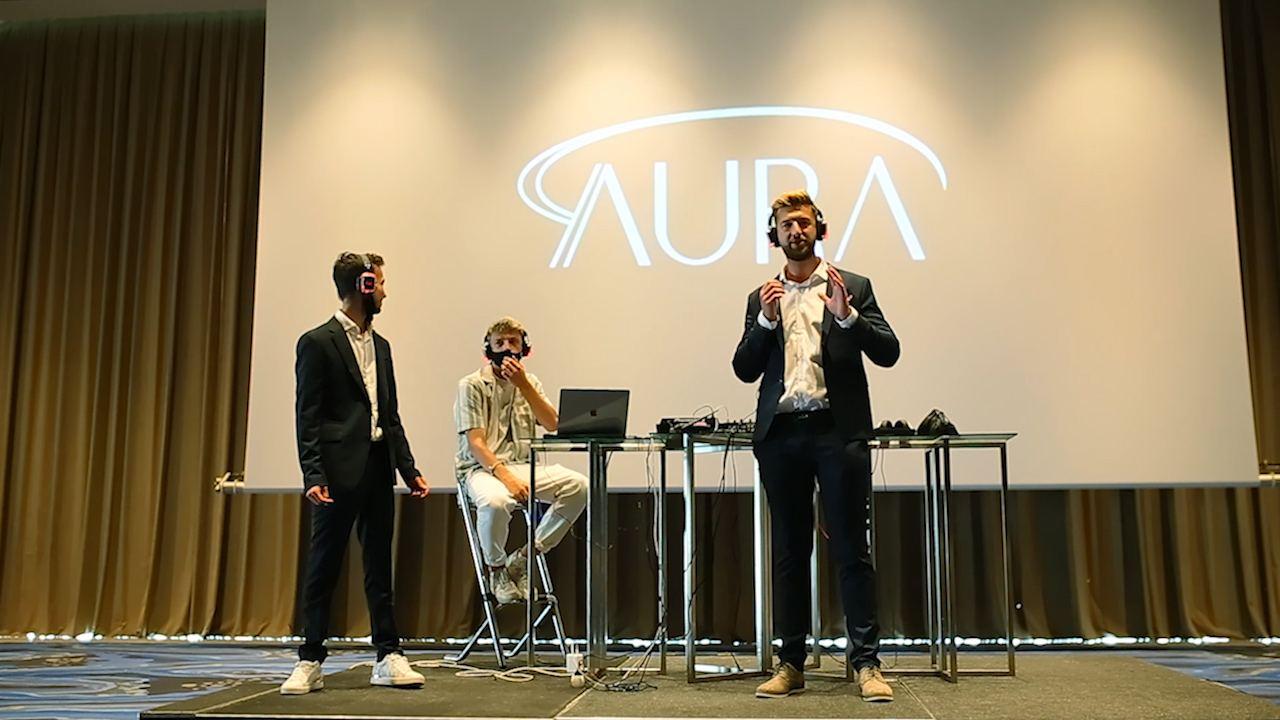
In practice you lay out up to three seating areas, each with a small stage or a presenter's table. The speaker's microphone, or the output of a laptop or the venue's sound desk, goes into that area's transmitter. Delegates choose a seat, press the channel button on the ear cup until the colour coded light matches the sign on that stage, and set the volume on their own headset.
One transmitter feeds any number of headsets, so a workshop of 15 and a session of 200 work in exactly the same way. Our article on silent disco channels explained goes deeper into how switching works.
How should you plan channels for a conference programme?
Start from the programme grid and make sure no time slot has more than three things happening at once in the same hall.
- One stage, one language: a single channel for the keynote, with a headset on every seat so a long room sounds intimate.
- Two breakouts and a networking zone: channels one and two carry parallel workshops, and the networking area stays free of audio so people can talk.
- Three parallel tracks: three stages in one hall, each on its own channel, which suits short talks, demos and lightning sessions.
- Keynote with translation: the speaker on one channel and translated audio on the others, explained in our guide to live translation headphones for events.
Put each stage's channel on its signage and in the printed programme. Delegates then know where to tune before they sit down, and nobody spends the first five minutes of a talk listening to the wrong room.
What about microphones and audio sources?
Anything with an audio output can feed a transmitter: a laptop, a phone, a mixer or the venue's sound desk, connected with an AUX or RCA cable.
For talks, the usual source is a wireless microphone, and we can add a microphone option so the speaker's voice reaches every headset on that channel. If a presenter plays a video, route it through the same mixer or laptop so voice and video share the channel. When the venue already has a sound desk with stage microphones, a cable from its output to our transmitter is often the simplest route.
- One microphone for each person who speaks at the same time, plus one for audience questions.
- A headset at the technical desk so someone can listen in on each channel.
- A short sound check on every channel before the doors open.
- A plan for questions from the floor: a roaming microphone, or the speaker repeating each question into theirs.
How many headsets do you need for a conference?
Plan one headset per seat in the sessions that run on headphones, not one per registered delegate.
If 300 people are registered but your three breakouts seat 80 each, you need around 240 headsets for those slots, plus the spares we include at no extra cost. If the keynote also runs on headphones, size for the keynote instead, because that is your peak. Battery is rarely the limit: each headset runs for about eight hours on a charge, which covers a full conference day, and for events over several days the charging cases go back on charge overnight.
There is no minimum order: request a quote with your dates, venue and delegate numbers and we reply with a price tailored to your programme.
How do you run the headset handout for delegates?
Hand headsets out at registration or at each session entrance, and collect them at the same point.
- Set up a desk beside registration with the headsets in their labelled boxes, already charged.
- Show each delegate the volume control and the channel button; it takes a few seconds and most people get it straight away.
- For breakouts, put someone at each entrance so latecomers can pick up a headset on the way in.
- At the end of the day, collect at the exit and count the headsets back into their cases, where an empty slot shows at a glance if one is missing.
Setting up the transmitters takes about 15 minutes, so your AV crew can do it during the morning build. If you would rather not handle it at all, we can send an on site technician.
Which conferences benefit most from headphones?
Headphones earn their place whenever the space is shared, noisy or international.
- Congresses in hotels where one ballroom has to hold several tracks.
- Company kickoffs with a plenary in the morning and breakouts in the afternoon.
- Events in atriums, terraces or industrial spaces where the acoustics work against you.
- Talks inside a busy exhibition, covered in our guide to headphones for trade fair stands.
- Conferences that end with a party on the same headsets, as in our guide to silent disco for corporate events.
If headsets are new to your team, our explainer on what a silent disco is shows how the same technology works far beyond the dancefloor. And if the agenda includes a social afternoon, our silent disco team building ideas turn the same headsets into a group activity.
Frequently asked questions
Can two talks run in the same room with headphones?
Yes. Each talk goes into its own transmitter on its own channel, and delegates set their headset to that channel. Up to three channels can run at once, and because nothing is amplified into the room, the sessions do not bleed into each other.
Do conference headphones need WiFi or an app?
No. The headsets work on radio frequency, not Bluetooth or WiFi, so there is no app, no pairing and no reliance on the venue's internet.
How far can delegates sit from the transmitter?
Range is up to 500 m outdoors with a clear line of sight. Indoors, walls and crowds reduce it, so we place each transmitter close to its session area. Within a single hall this is rarely a concern.
Can we add simultaneous translation to conference headphones?
Yes. Translated audio, from interpreters or AI through our specialist partner, runs on its own channel with one language per channel, and each delegate picks their language on the headset.